8. Tack Room (Mobile)
Use the tack room to keep a record of your saddles, bridles, bits, helmets, girths, and boots.

8.1 Before you start
- You need an active client account.
- Make sure the horse is already added to your profile.
8.2 Add tack
- Open your client portal.
- Select Tack room.
- Select Add tack.
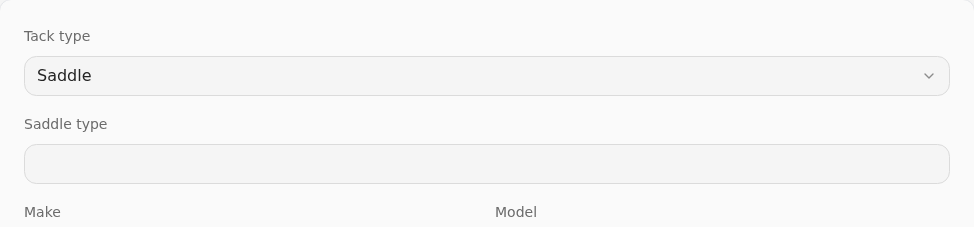
- Enter the tack details:
- Tack type: Saddle, Bridle, Bit, Helmet, Girth, or Boots.
- Subtype, Make, Model, and Size.
- Serial number (saddles only).
- Gullet size (saddles only).
- Safety standard and MIPS (helmets only).
- Assigned horse (optional).
- Notes (optional).
- Select Save.
8.3 After you add it
- The tack item appears in your list.
- You can edit or remove it later if your details change.