3. Search and Discovery (Mobile)
Fullstride uses a shared mobile search pattern across Services, the public directory, and Blog. This keeps search behavior familiar from one page to the next.
3.1 Services search
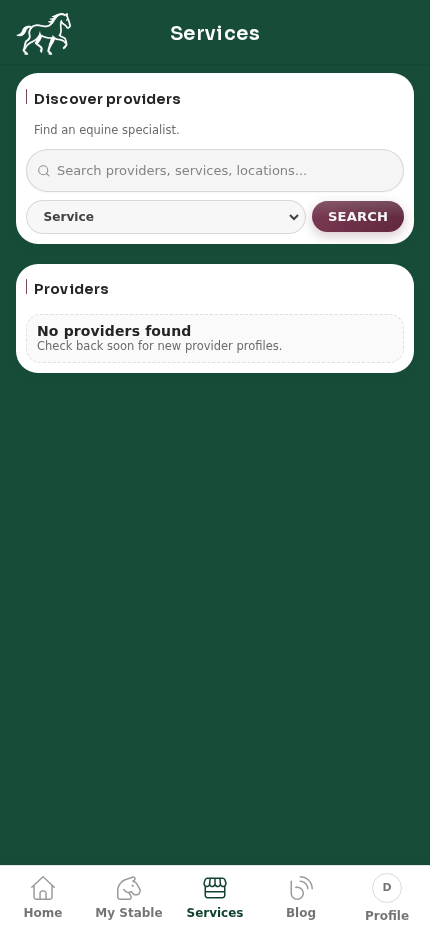
3.1.1 How to use it
- Open Services.
- Enter a keyword in the main search bar (provider, service, or location).
- Optionally choose a Service filter.
- Select Search.
- Review results in the Providers list card below.
3.2 Public directory search
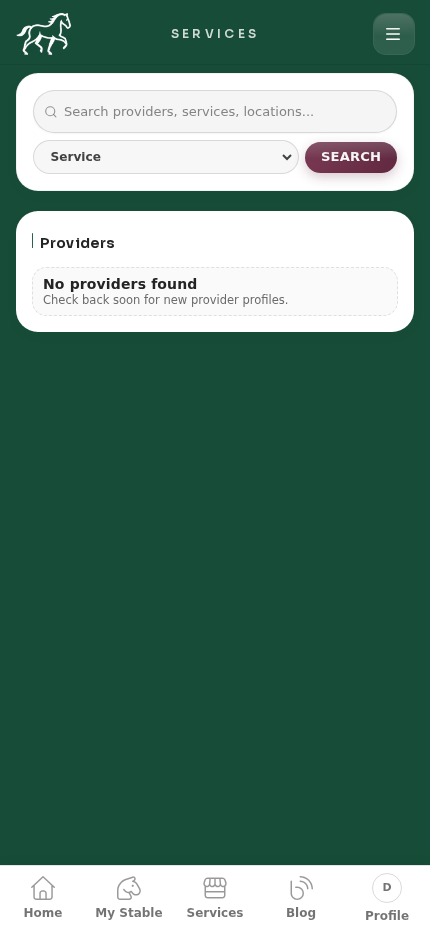
3.2.1 How to use it
- Open the public directory services page.
- Enter your search term.
- Optionally choose Service.
- Select Search.
- Check the Providers list.
3.3 Blog search
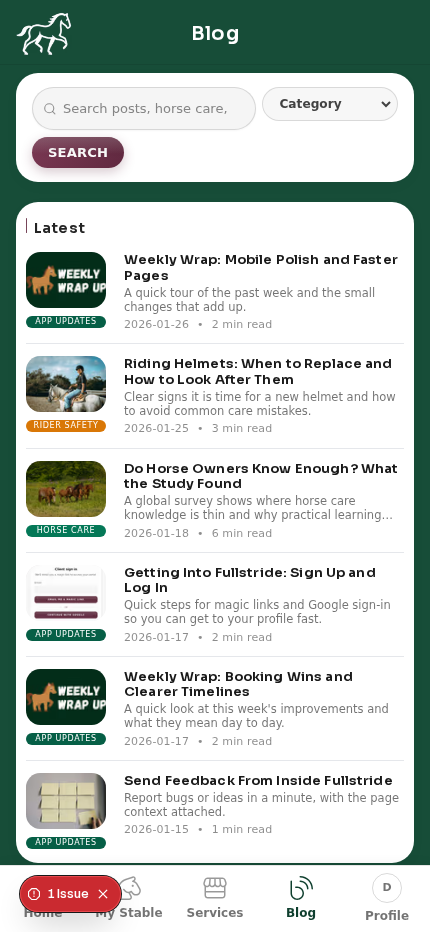
3.3.1 How to use it
- Open Blog.
- Enter a topic in the search bar (for example: helmets, tack, updates).
- Optionally select a Category.
- Select Search.
- Scroll the Latest list and open any post.
3.4 Search flow tips
- Start with broad keywords, then add the filter to narrow results.
- If results are empty, remove filters and search again.
- Keep terms short (for example:
farrier,dentist,vaccination).