5. My Stable (Mobile)
The My Stable page groups your horses, tack, and care team into consistent panel cards.
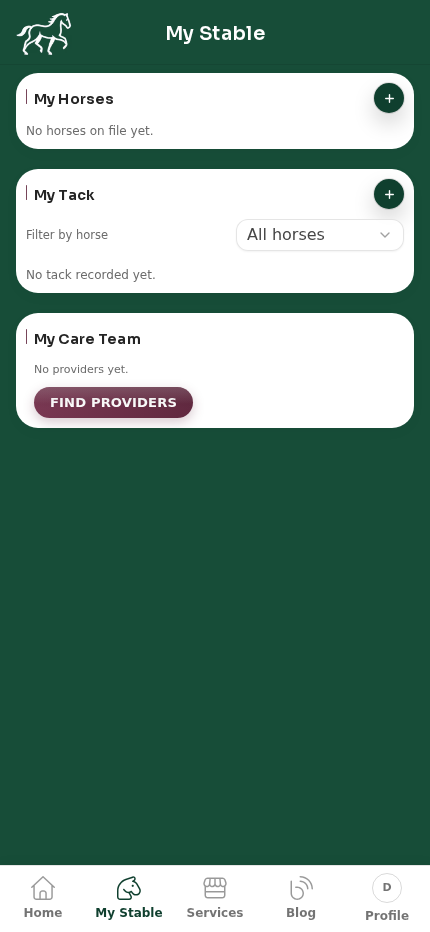
5.1 My Horses card
- Use the + button to add a horse quickly.
- Added horses appear in this section and across the dashboard horse strip.
- Open a horse to manage profile details and timeline history.
5.2 My Tack card
- Use the + button to add tack.
- Tack appears in a list format with:
- Image thumbnail
- Tack type
- Make
- Assigned horse
- Use Filter by horse to show only tack assigned to one horse.
5.3 My Care Team card
- This card shows:
- Favorited providers
- Providers with current or previous bookings
- If no providers are linked yet, select Find providers.
- Use this as the starting point to build your regular provider team.
5.4 Recommended flow for new users
- Add horses first in My Horses.
- Add and assign tack in My Tack.
- Open Find providers from My Care Team to start booking.