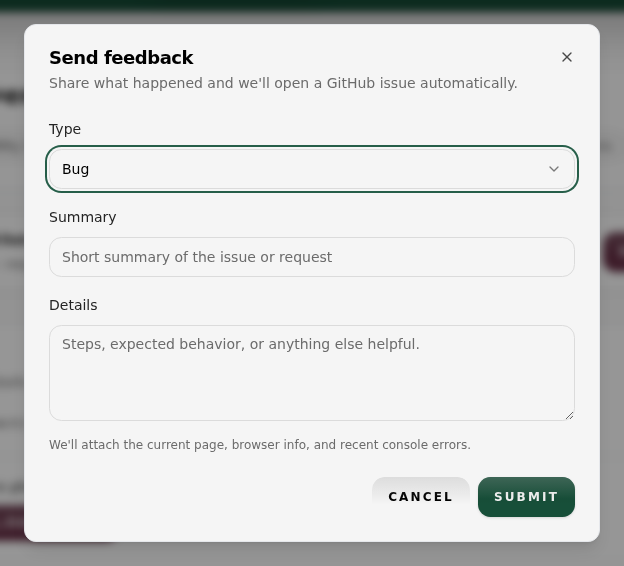
9. Send Feedback (Mobile)
Use the feedback banner to report issues or request new features from the client portal.

9.1 Send feedback
- Open any page in the client portal.
- Look for the Help us improve Fullstride banner under the navigation.
- Select Send feedback.
- Choose Bug or Feature request.
- Add a short summary and any helpful details.
- Select Submit and confirm the success message.