4. Calendar and Feed (Mobile)
This page explains the current mobile Calendar & Feed layout and calendar sync flow.
4.1 Feed tab
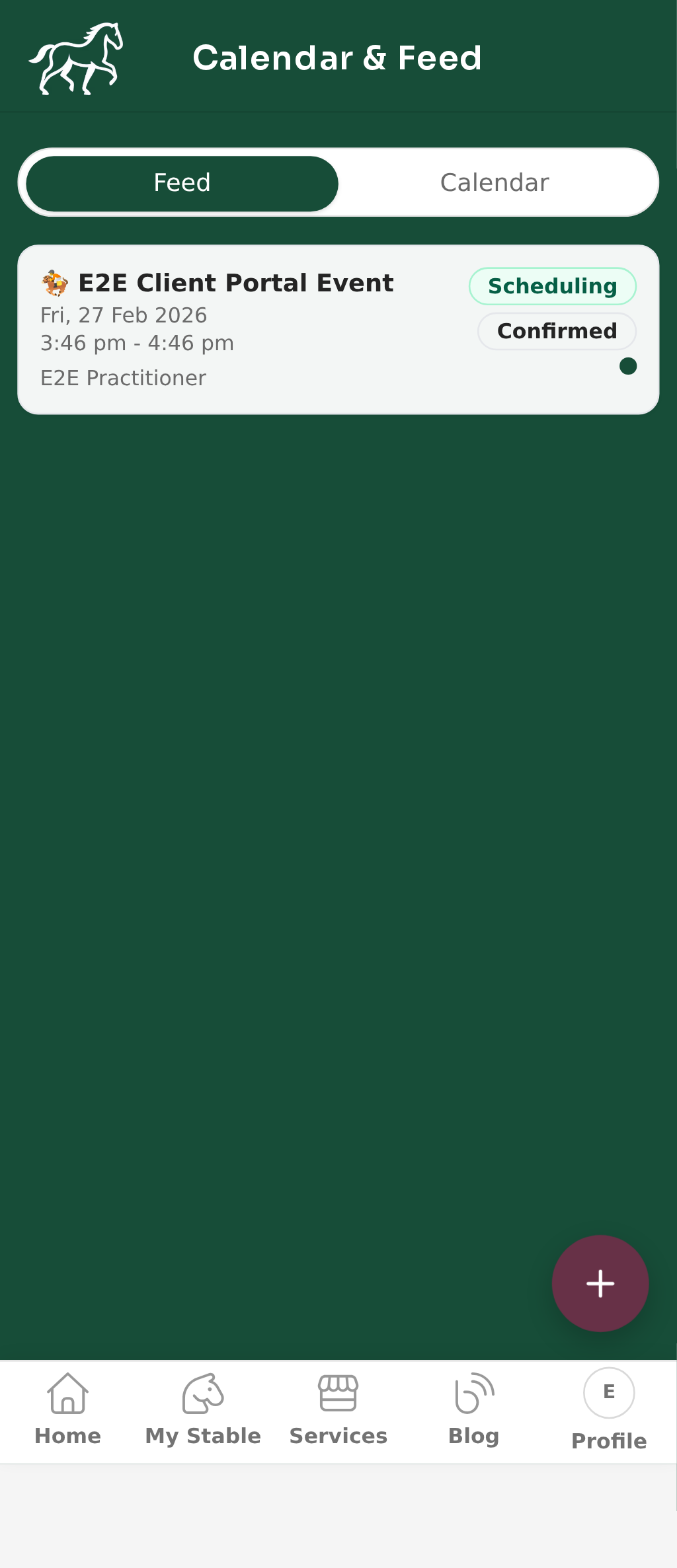
- Open Calendar & Feed from the client portal.
- The default tab is Feed.
- Feed shows upcoming and recent calendar items as a list.
- The Feed tab does not show calendar sync controls.
4.2 Calendar tab
- Select the Calendar tab.
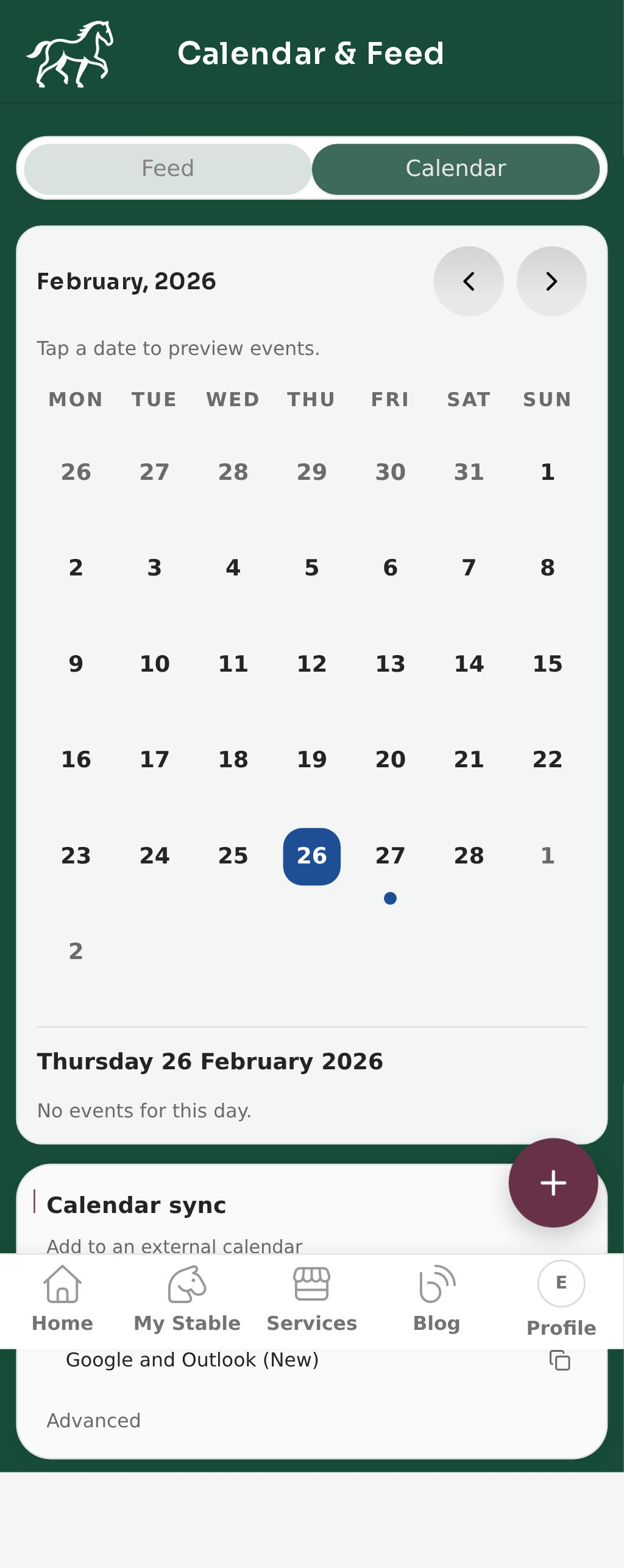
- The calendar view is a single card with:
- Month title
- Previous and next month arrows
- Date grid with dot markers on dates that have events
- Tap a date to preview that day’s events in the same card.
4.3 Sync options
- Calendar sync appears below the calendar card in the Calendar tab.
- The helper text reads Add to an external calendar.
- Select For Apple and Outlook Classic to open Apple Calendar or Outlook Classic subscription.
- Select Google and Outlook (New) to copy the subscription URL for Google Calendar and new Outlook.
- Open Advanced and select Reset link to invalidate and regenerate your feed URL.
4.4 Feed tab and Calendar tab
- Use the segmented control at the top of the page to switch between Feed and Calendar.
- Feed is list-first.
- Calendar is date-grid-first, with sync actions below.